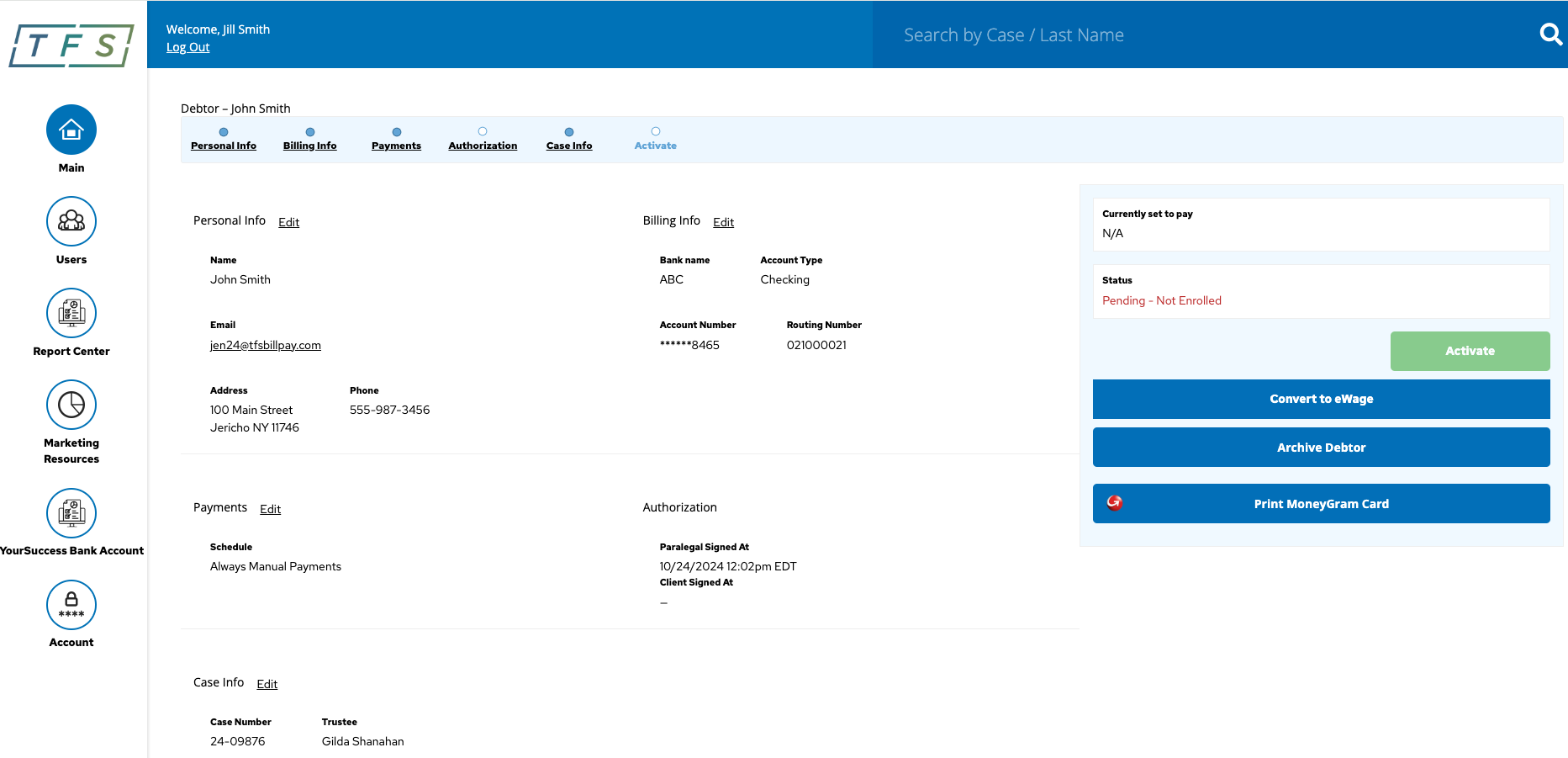
How to find Clients on the TFS Portal
Welcome to your TFS Portal – your one-stop solution for managing client case details effortlessly. Access case numbers, trustees, payment schedules, and more with just a few clicks. Simplify your workflow and stay organized, all in one secure platform.
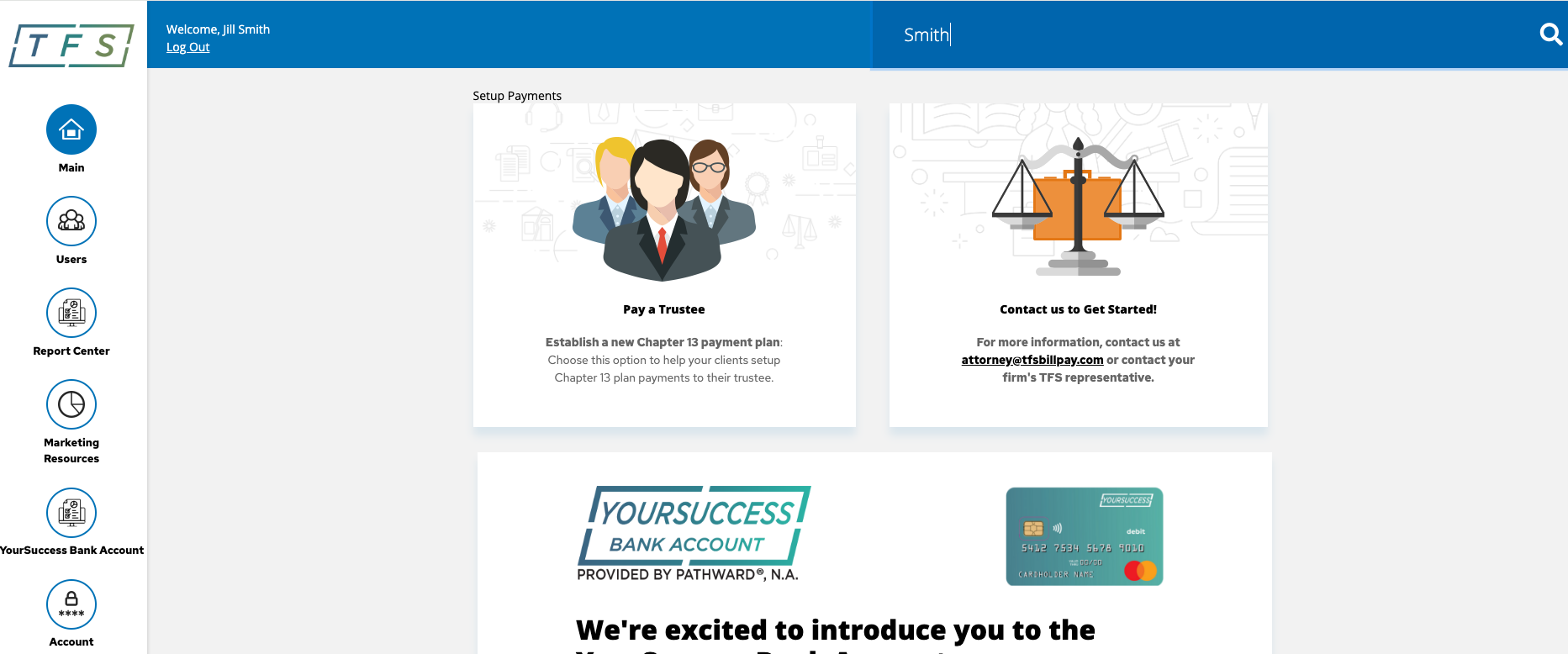
Simply log in, type your client's name into the search box located in the top right corner, and press enter.
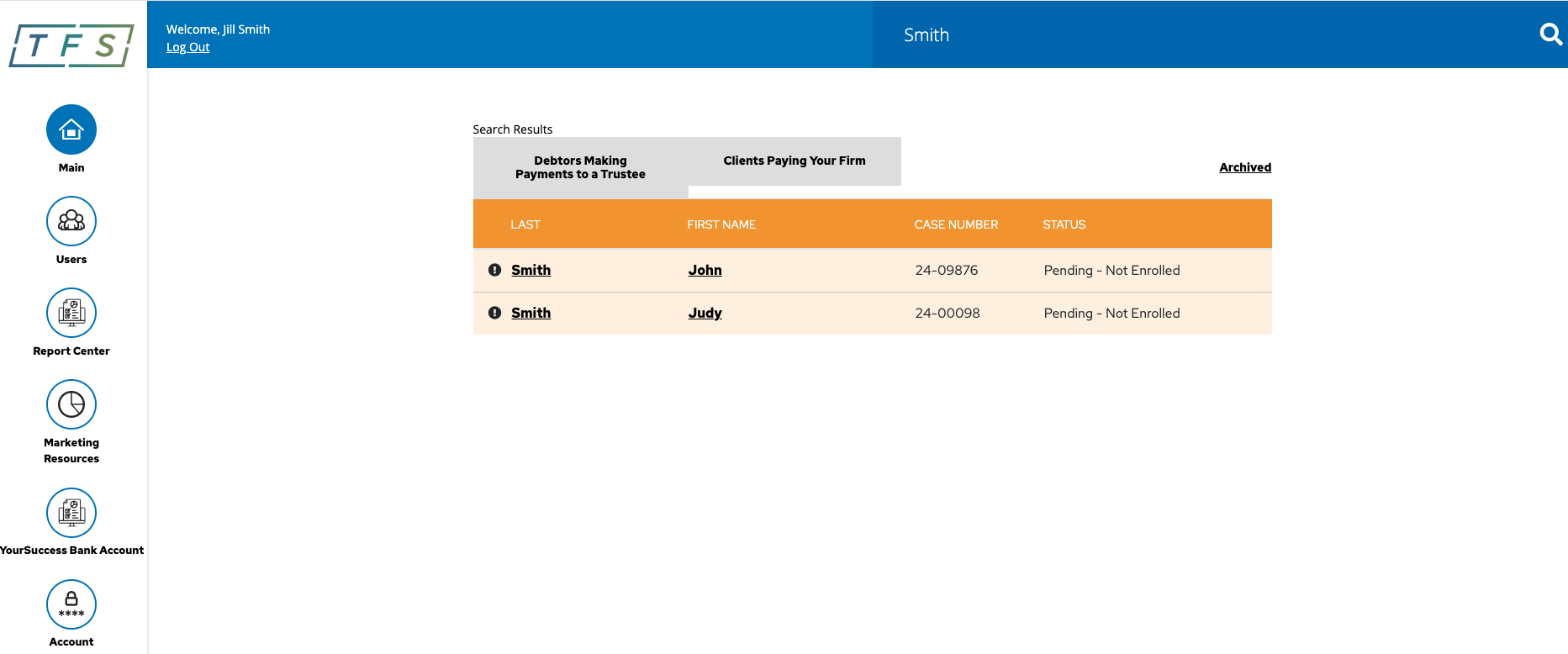
Locate your client in the list, and click their name to instantly access their case information. Simple, fast, and convenient!"